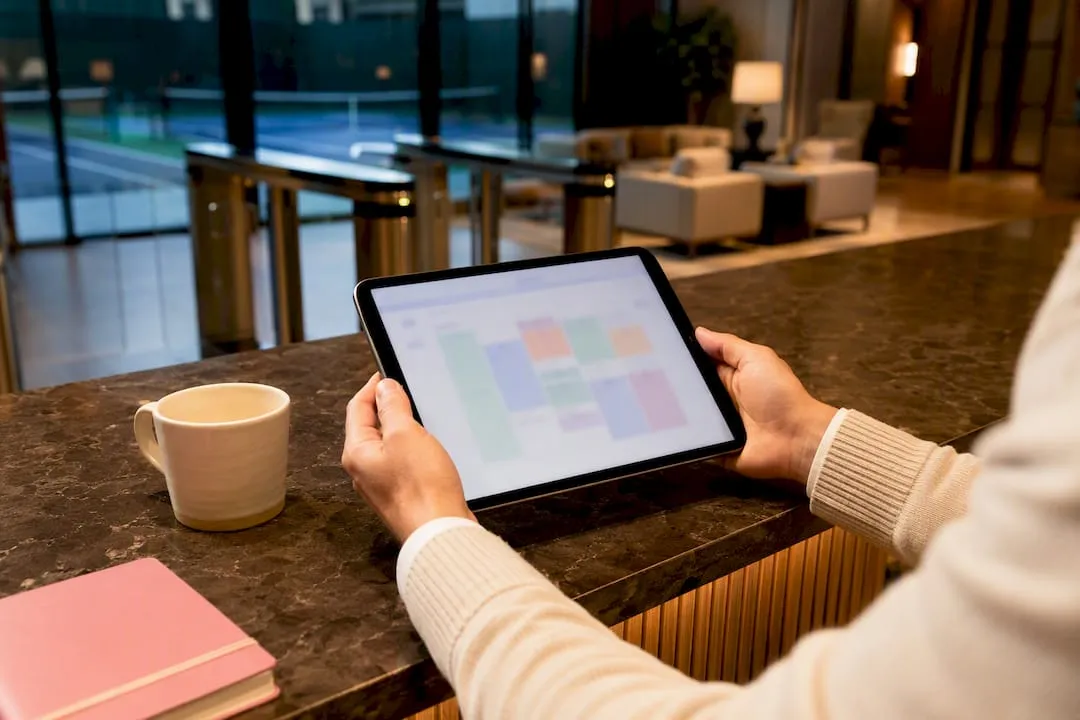
Getting Google Calendar sync right is the simplest way to stop double bookings at a busy racquet club, but relying on static links and confirmation emails guarantees ghost reservations and empty courts.
Having played racquet sports for over thirty years as a player completely outside the club management industry, I have seen every possible scheduling headache clubs face. The fix is direct, two-way Google Calendar sync linked into member profiles rather than static one-way calendar feeds. Built-in sync pushes court reservations to player schedules immediately, cutting out phantom bookings without relying on fragile custom middleware.
Setting up Google Calendar Sync for Your Racquet Club
A quiet court at 7:00 PM on a Tuesday because two members wrote down different times is money burned. It happens constantly when clubs rely on confirmation emails, group chats, or paper sign-in sheets. A player books court three, forgets to write it down, makes a dinner plan, and leaves the club with an empty court, a recorded no-show, and an awkward bill to collect.
Traditional calendar links do not solve this. Most club managers email an iCal or ICS subscription link when a member books a court. The member clicks it, the date appears on their phone, and everyone assumes the job is done.
That assumption falls apart the first time a schedule shifts. An ICS subscription is merely a read-only snapshot. When a player moves a booking from Tuesday to Thursday inside your reservation portal, the subscription feed does not push that update instantly. The calendar app refreshes on its own hidden schedule, which often lags behind real events by hours. The member shows up on Tuesday anyway, finds someone else playing, and an argument starts at the front desk.
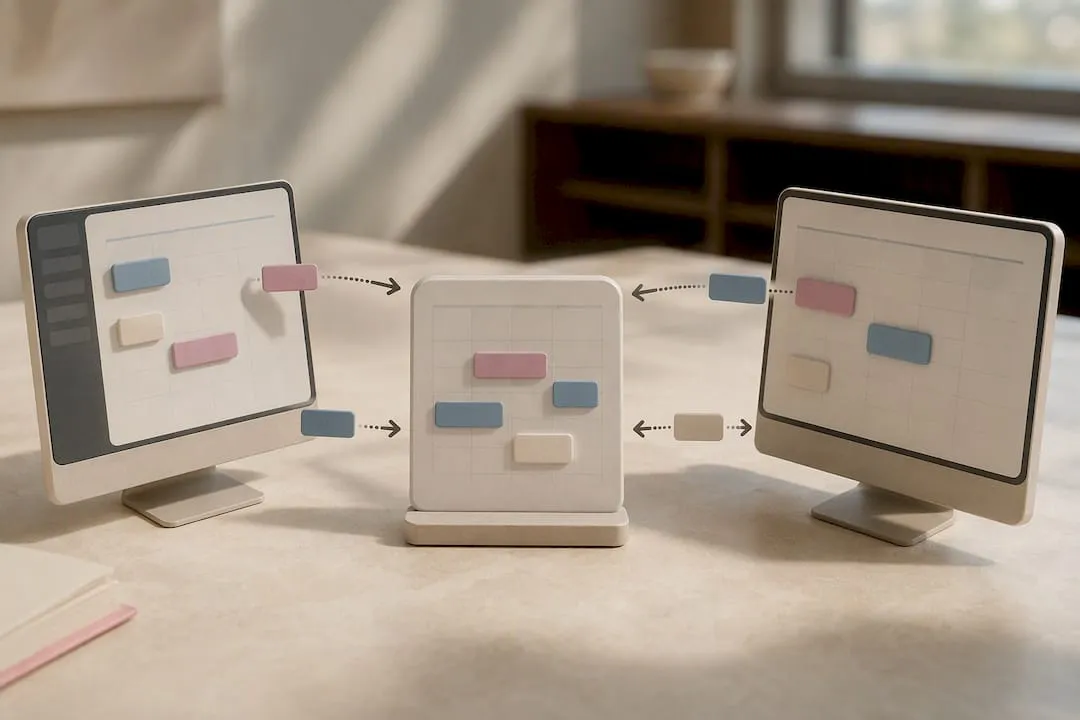
Direct two-way calendar synchronization fixes that breakdown by linking the booking software straight to the user’s personal calendar through an account-level handshake. When an event is scheduled, modified, or canceled, the data updates in real time on both sides.
Working on Six Love, I see how much friction this removes for court managers. Instead of fielding angry phone calls about phantom bookings, the schedule stays clean because the player's personal day planner mirrors the club's reservation sheet.
What You Need Before Starting Your Calendar Integration
You should assemble all necessary components before attempting to connect player profiles to calendar services:
- An active member Google or Apple account: Each player needs a personal Gmail address, Google Workspace account, or Apple ID configured on the mobile device they use daily.
- A reservation system with native sync capabilities: A platform like Six Love that offers built-in calendar toggles, or an enterprise club engine that provides an open API with OAuth authentication.
- Administrative club portal access: Credentials to access your master booking software, adjust member permissions, and monitor active court logs.
- Player mobile devices running current operating systems: Member smartphones running updated Android or iOS builds that support background data exchange.
- Internal booking rules and court policies: Defined cancellation windows, member booking limits, and rainout protocols that dictate how automated schedule shifts behave.
Step-by-Step Guide to Configuring Two-Way Calendar Sync
Custom development work to bridge scheduling systems with personal calendars can easily cost up to $3,000 when hiring an agency to write custom scripts. You can bypass that expense entirely if your booking platform supports native calendar links or clean account-level authorization.
Here is the exact procedure to establish reliable synchronization across your club:
- Audit your club management software for native calendar integration. Check whether your current court software contains built-in toggles for external calendars. If your platform lacks native sync, verify whether your booking provider supplies documented OAuth API hooks so a developer can wire up the connection without building custom database scrapers from scratch.
- Instruct members to open their personal club profile settings. Every player must log into their individual account on your club portal or mobile app. Group-wide calendar sync cannot be forced globally from an administrative dashboard because modern privacy protocols require individual user authentication to write events to a private schedule.
- Turn on the calendar sync toggle inside the member profile. Have the player select either Google Calendar or Apple Calendar within their preferences. In a modern setup like Six Love, this is a single toggle switch that asks the user to authenticate their Google account through a secure browser pop-up.
- Grant full read and write permissions during the account authentication prompt. Ensure the user accepts the permissions dialog requesting calendar access. This handshake establishes an incremental sync token, allowing Google's API to push lightweight event deltas the moment a court changes rather than polling your entire schedule, which prevents mobile battery drain and API throttling while denying write permissions drops the connection back to a sluggish read-only state.
- Adjust mobile device settings to prevent background data throttling. Android devices and power-saving modes on iOS frequently pause background data exchange for calendar apps to conserve battery life. Tell members to set your club app and their native calendar application to unrestricted battery and data usage so schedule shifts process without delay.
- Use an isolated test reservation to confirm live data transmission. Book a temporary court slot with a distinct title like "SYNC TEST 743" on the club system. Check the player’s mobile phone and web calendar immediately to confirm the event lands within seconds, verify the court number is visible, and delete the test event to confirm the removal syncs back instantly.
Common Mistakes Clubs Make and How to Troubleshoot Them
The most widespread mistake racket club software makes is ignoring calendar sync altogether because it feels like a minor convenience rather than an operational tool. Leaving schedule tracking to confirmation emails and messaging apps causes communications to get buried. Players forget what they booked, skip their court time, and managers end up having uncomfortable arguments at the desk about charging a cancellation fee to someone who never stepped onto the clay.
| Problem | Likely cause | Fix |
|---|---|---|
| Events do not appear on member phone | Member authenticated the wrong Google account | Have player verify if their work profile is active instead of their personal Gmail. |
| Bookings appear hours after reserving | Calendar app is using an ICS link instead of OAuth | Remove the subscription feed and reconnect using the platform's direct account toggle. |
| Calendar shows times but hides details | Incomplete sharing permissions on private calendar | Re-authenticate the profile toggle and grant full event detail visibility. |
| Edits on club sheet do not update on phone | Background data or battery saver throttled sync | Set the calendar application battery usage to unrestricted in phone settings. |
| Windows desktop client fails to refresh | Outlook running without Workspace sync tools | Install Google Workspace Sync for Microsoft Outlook (GWSMO) to enforce 10-minute intervals. |
Verifying that calendar sync actually solves your club's double booking problem cannot be measured on day one. You should verify results by recording the total number of missed matches and double bookings over a full month before enabling sync, then comparing that baseline against a full month measured sixty days after rollout.
When a Club Needs Dedicated Reservation Software
A shared Google Calendar works when you have two courts and twenty casual players. Beyond that size, consumer tools collapse under operational pressure. Standard calendar apps cannot calculate light token fees, entry to tennis leagues, enforce guest policy charges, manage tiered booking windows for social versus competitive members, or process rainout credits when outdoor courts wash out.
- Check core requirements: Move away from standalone calendars as soon as multiple court surfaces, coaching clinics, or peak-hour booking restrictions enter your facility.
- Enforce account-level sync: Choose a system like Six Love that includes direct Google and Apple Calendar synchronization out of the box instead of paying up to $3,000 for custom API middleware.
- Track operational outcomes: Measure your success by monitoring monthly court use rates and forgotten bookings, letting automated schedule sync handle player attendance.
What I'd Set Up First
Stop relying on confirmation emails and static calendar links if your club handles more than a handful of daily bookings. If you run a small community court setup with minimal traffic, a basic shared calendar works fine. But for any facility dealing with peak-hour court crunches, league matches, and member disputes over scheduling, account-level synchronization is the only way to keep the desk clear.
- Audit current booking tools: Check whether your system supports native two-way sync or requires manual ICS exports.
- Verify member authentication: Have players link their personal Google or Apple accounts directly through their individual profiles.
- Test the live connection: Run a test booking immediately after setup to confirm events push and pull within seconds.
FAQ
Why isn’t my Google Calendar syncing across devices?
The sync failure usually happens because the user signed into their work email instead of their personal Gmail account.
How do I force Google Calendar to sync?
On Android, go to Settings, then Accounts, select your Google account and tap “Sync now”; on iPhone, toggle Calendars off and back on in the account settings, and reinstall the app if that doesn’t resolve it.
Why aren’t all my calendars showing up in Google Calendar?
Individual calendars can accidentally remain unchecked in settings even when the main account connection is completely healthy.
Can I sync one Google Calendar with another?
Yes, you can subscribe to another calendar’s secret iCal address for read-only visibility, or share calendars directly between Google accounts for a fuller two-way view, depending on how much access you need.
Is Google Calendar sync reliable enough for a racquet club to manage court bookings?
For a handful of shared calendars, generally yes. But clubs juggling multiple courts and staff members often find it breaks down around conflict resolution, which is where a dedicated system like Six-love’s padel or pickleball booking software takes over.