Google Calendar Sync That Stops Double Bookings for Racquet Clubs
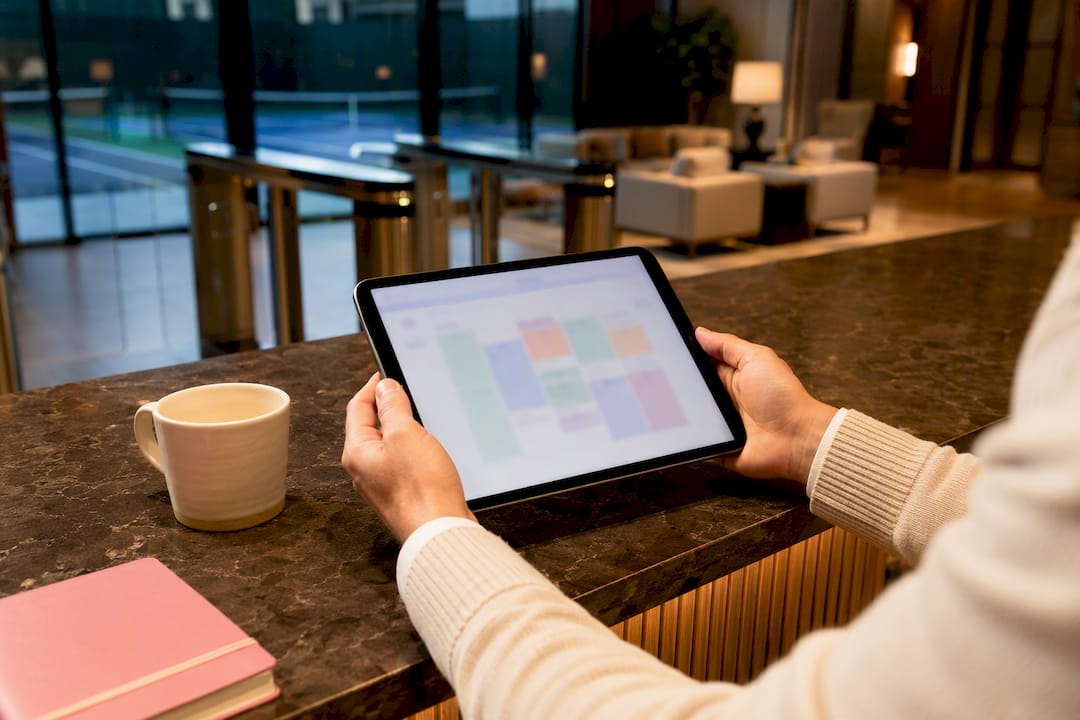
The fastest, most reliable way to keep Google Calendar synced is the official mobile app, which links directly to your Google account, and account-level connections in desktop programmes like Outlook or Apple Calendar for full two-way editing. iCal (ICS) subscriptions only work one way and can lag behind real events. If something isn’t appearing, a short troubleshooting checklist usually fixes it, and developers managing custom integrations should look at incremental sync tokens rather than repeated full downloads.
TL;DR:
- Syncing via the official Google Calendar app or adding your Google account directly to desktop apps ensures reliable two-way editing and real-time updates.
- Using iCal subscriptions provides only one-way visibility with updates that can lag for hours, making it unsuitable for managing events that require edits or cancellations.
- Troubleshooting common issues involves confirming correct account sign-in, checking calendar visibility settings, and ensuring background data and permissions are unrestricted, especially on Android devices.
- For organizations, GWSMO or proper desktop account integration is preferred over ICS feeds to maintain accurate, low-latency, two-way synchronization.
- Consumer calendar tools are inadequate for complex club scheduling, which benefits more from custom reservation platforms that prevent double bookings and provide real-time management functionalities.
Table of Contents
- Syncing Google Calendar on your phone or tablet
- Sync Google Calendar with Outlook and Apple Calendar for two-way editing
- What does subscribing via iCal actually give you?
- How do I fix Google Calendar when it won’t sync?
- How does Google Calendar handle sync behind the scenes?
- When does a club outgrow calendar sync entirely?
- A booking system built for clubs, not just calendars
- Sources
- FAQ
Syncing Google Calendar on your phone or tablet
Get this part right and most of your other sync headaches disappear on their own. Install Google Calendar from Google Play or the App Store and sign in using the exact Google account that holds the calendar you want to see. This sounds obvious, but signing into the wrong account, perhaps a work account instead of a personal one, is one of the most common reasons events “vanish.”
If you’d rather use a third-party calendar app instead of Google’s own, most support adding a Google account directly in their settings menu, which switches on native two-way sync rather than a static, view-only feed.
Follow this order when setting up a new device:
- Download the official app or open your preferred calendar app’s account settings.
- Sign in with the Google account tied to the calendar you need.
- Grant calendar, contacts and notification permissions when prompted.
- Check that background data and battery optimisation aren’t restricted for the app.
- Create a test event and confirm it appears on calendar.google.com and on any other synced device within a minute or two.
Android phones are particularly prone to battery-saving modes quietly throttling background sync. If Calendar isn’t updating in real time, that’s usually the first place to look, not a broken account connection.
Pro Tip: Create your test event with a slightly odd title, like “SYNC TEST 743,” so you can spot it instantly across devices and delete it without second-guessing whether it’s a real appointment.
Sync Google Calendar with Outlook and Apple Calendar for two-way editing
Subscribing to an ICS link feels like the obvious shortcut, but it’s the wrong tool if you need edits to travel both ways. The reliable method is adding your actual Google account into the desktop programme, which unlocks proper two-way sync rather than a frozen snapshot.
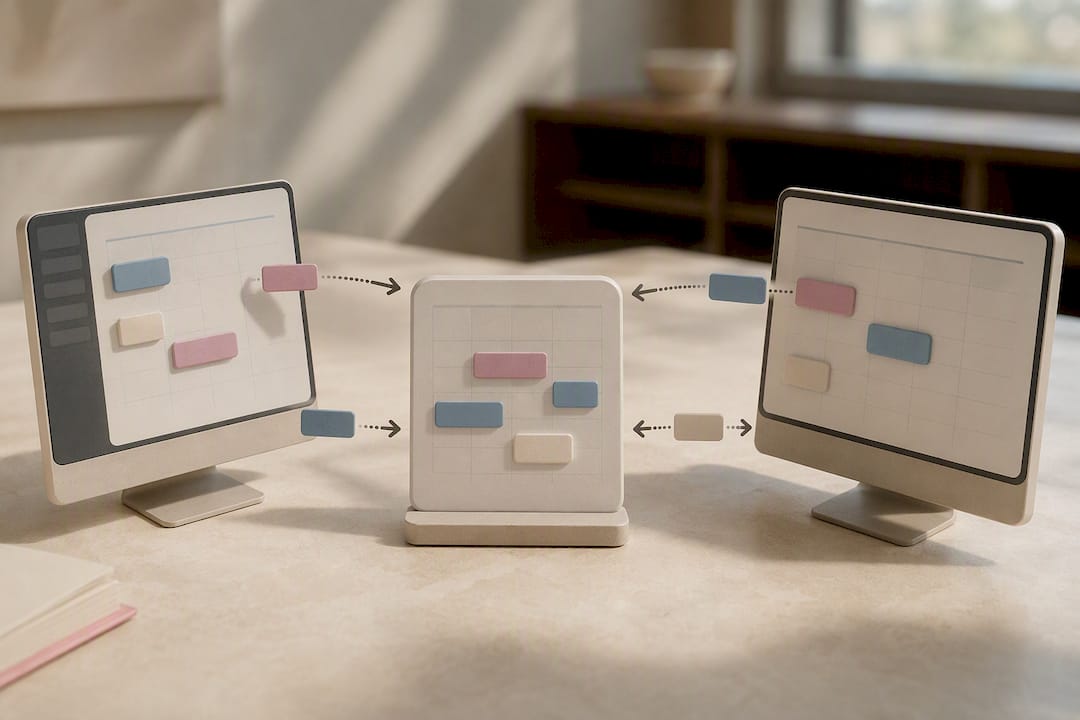
In Outlook, this means going through account settings and authenticating with OAuth rather than pasting in a calendar link. Microsoft’s own guidance confirms that adding the Google account this way gives true two-way editing, whereas an ICS subscription is read-only and can lag. Apple Calendar works the same way in principle: add the Google account under Internet Accounts, and events created on either side sync automatically.
A few practical snags worth knowing before you start:
- If two-factor authentication is enabled on your Google account, you may need an app-specific password or to complete a browser sign-in prompt during setup.
- If Outlook only shows events as “Busy” with no details, check that you’ve added the account rather than imported a static ICS file.
- Managed Outlook environments sometimes rely on Google Workspace Sync for Microsoft Outlook (GWSMO), which syncs calendar data at intervals of approximately ten minutes or faster when an event is created, according to Google Workspace Sync for Microsoft Outlook official documentation.
- Reserve ICS feeds for cases where you genuinely only need one-way visibility, such as showing a colleague when you’re busy without exposing full event details, since one-way sync suits situations where one calendar stays the single source of truth.
What does subscribing via iCal actually give you?
Google Calendar’s settings include what it calls a “secret address in iCal format,” tucked under the settings for each individual calendar. Copying that link into another calendar app creates a one-way subscription feed rather than an editable connection.
That distinction matters more than it sounds. The feed updates on the subscribing app’s own refresh schedule, not the moment something changes in Google Calendar, so it can sit stale for hours.
- Good use cases: sharing a public events calendar, letting a shared device show blocked time, or giving a family member read-only visibility.
- Poor use cases: anything where you need to add, move or cancel events from the other application and expect that change to appear back in Google Calendar.
How do I fix Google Calendar when it won’t sync?
Most sync failures trace back to one of five things, and working through them in order saves time:
- Confirm you’re signed into the correct Google account, not a secondary or work profile.
- Check that the specific calendar is switched on under “Settings for my calendars,” since a calendar can be hidden even when the account is connected properly.
- Test your network connection. Calendar sync silently stalls on poor Wi-Fi or when mobile data is restricted for the app.
- Review app permissions and battery optimisation settings, especially on Android, where aggressive power-saving is the single most common cause of delayed syncing.
- Remove and re-add the Google account if the above steps don’t resolve it. This forces a clean handshake and often fixes stubborn issues instantly.
To force a sync manually: on Android, open Settings, go to Accounts, select the Google account, and tap “Sync now.” On iPhone, open the Calendar app’s account settings and toggle Calendars off then back on. If neither works, clear the app’s cache (Android) or delete and reinstall the app entirely.
Organisations using managed Google Workspace accounts with Outlook should lean on GWSMO rather than a personal account connection, since it’s built specifically for that setup and handles permissions differently.
Pro Tip: Before reinstalling anything, check whether the problem is isolated to one calendar within your account. If other calendars sync fine, the issue is almost always a setting on that specific calendar, not your device or app.
How does Google Calendar handle sync behind the scenes?
For anyone building an integration rather than just using the app, Google Calendar doesn’t re-download your entire calendar on every check. It uses incremental sync built around tokens:
- After a full sync, the server hands back a
nextSyncToken. - Future requests include that token and return only what’s changed since last time, not the whole calendar again.
- If the server responds with an HTTP 410 Gone, the token has expired or been invalidated, and the client must run a full baseline sync before resuming incremental updates.
This is why well-built integrations feel near-instant: they’re only ever pulling the delta, not the whole dataset, which keeps bandwidth and latency low even across dozens of calendars.
When does a club outgrow calendar sync entirely?
Consumer sync tools were built for individuals, not for a padel club juggling forty courts and three staff calendars simultaneously; clubs facing this challenge may benefit from setting up custom tennis leagues that actually work to coordinate schedules more effectively. ICS feeds lag, permissions get messy across shared accounts, and there’s no single source of truth when five people can edit the same slot. Once double-bookings start costing revenue, that’s the signal to move from calendar subscriptions to a proper booking platform built for real-time, multi-court coordination.
— Darren
A booking system built for clubs, not just calendars
Clubs running tennis, padel or pickleball courts hit the ceiling of consumer calendar sync fast, usually the moment two members book the same slot from different apps. Some clubs replace that patchwork with a real-time source of truth: bespoke court reservation and club management software that handles scheduling, member portals and revenue analytics in one place, without relying on ICS feeds that lag or device settings that quietly break.
Because such software is often white label and fully customisable, clubs can shape the booking flow, branding and member experience around how they actually operate, rather than bending their operations to fit generic calendar software. If your club is still stitching together shared calendars and hoping nobody double books court three on a Saturday morning, take a look at Six-love’s court reservation platform or explore the full feature set to see what a purpose-built system looks like next to a personal calendar app.
Sources
FAQ
Why isn’t my Google Calendar syncing across devices?
The most common causes are being signed into the wrong Google account, background data or battery optimisation restrictions, or a specific calendar being switched off under calendar settings rather than the whole account being disconnected.
How do I force Google Calendar to sync?
On Android, go to Settings, then Accounts, select your Google account and tap “Sync now”; on iPhone, toggle Calendars off and back on in the account settings, and reinstall the app if that doesn’t resolve it.
Why aren’t all my calendars showing up in Google Calendar?
Check “Settings for my calendars” on calendar.google.com, since individual calendars can be hidden or unchecked even when the parent account is fully connected and syncing normally.
Can I sync one Google Calendar with another?
Yes, you can subscribe to another calendar’s secret iCal address for read-only visibility, or share calendars directly between Google accounts for a fuller two-way view, depending on how much access you need.
Is Google Calendar sync reliable enough for a racquet club to manage court bookings?
For a handful of shared calendars, generally yes, but clubs juggling multiple courts and staff members often find it breaks down around conflict resolution, which is where a dedicated system like Six-love’s padel or pickleball booking software takes over.
Recommended
- Court reservation Systems | Fully Customized
- Court reservation Systems | Fully Customized
- Court reservation Systems | Fully Customized
- Court reservation Systems | Fully Customized
Frequently Asked Questions
Why isn't my Google Calendar syncing across devices?
The most common causes are being signed into the wrong Google account, background data or battery optimisation restrictions, or a specific calendar being switched off under calendar settings rather than the whole account being disconnected.
How do I force Google Calendar to sync?
On Android, go to Settings, then Accounts, select your Google account and tap "Sync now"; on iPhone, toggle Calendars off and back on in the account settings, and reinstall the app if that doesn't resolve it.
Why aren't all my calendars showing up in Google Calendar?
Check "Settings for my calendars" on calendar.google.com, since individual calendars can be hidden or unchecked even when the parent account is fully connected and syncing normally.
Can I sync one Google Calendar with another?
Yes, you can subscribe to another calendar's secret iCal address for read-only visibility, or share calendars directly between Google accounts for a fuller two-way view, depending on how much access you need.
Is Google Calendar sync reliable enough for a racquet club to manage court bookings?
For a handful of shared calendars, generally yes, but clubs juggling multiple courts and staff members often find it breaks down around conflict resolution, which is where a dedicated system like Six-love's padel or pickleball booking software takes over.